


This page is exclusively for Art Classes registering multiple students
Competition Structure For Art Classes
First Level Competition
Conducted at Your Art Class
State-Level Grand Finale
One common State-Level Grand Finale for qualified participants from Schools, Art Classes and Individual Registrations across Maharashtra.
📌 Note: All competition rules, guidelines, eligibility criteria, awards and judging criteria mentioned for Schools in the official brochure are equally applicable to Art Classes.
Register Your Art Class Students
Register multiple participants together by completing the steps below.
Need Help?
- Watch the Complete Registration Video
- WhatsApp Support +91 9209306181
- Need assistance? Our team will be happy to help you with:
Need help? Contact us on WhatsApp before submitting your registration.
Download the Participant Details Format, fill it in, and keep it ready for upload.
Payment Instructions
Using a Mobile Phone ?
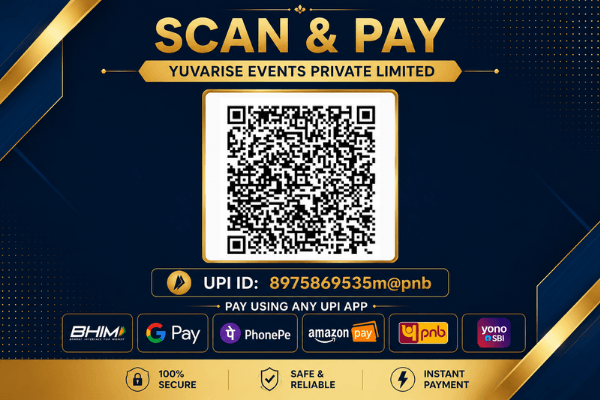
Take a screenshot of the QR code, then open any UPI app and use Scan QR → select that screenshot from Gallery to make the payment.
Using a Laptop/Computer ?
Scan the QR code below using any UPI app on your mobile phone and do the payment.
Using a Mobile Phone ?
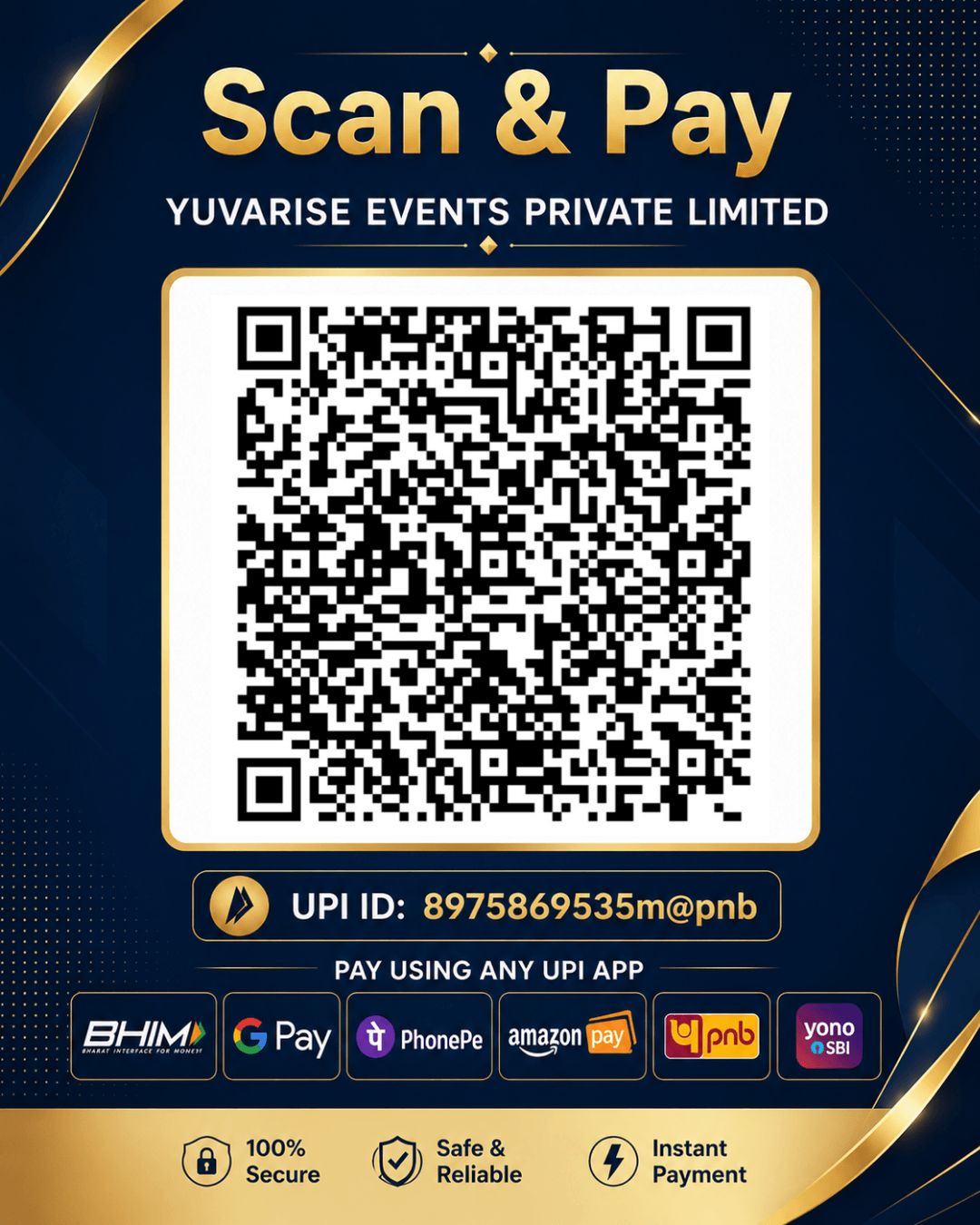
Take a screenshot of the QR code, then open any UPI app and use Scan QR → select that screenshot from Gallery to make the payment.
Using a Laptop/Computer ?
Scan the QR code below using any UPI app on your mobile phone and do the payment.
If you need any help, please call us at 9209306181
Registration Fee: ₹100 per Student
Steps for Registration:
- Open your UPI app in mobile → click on Scan/QR and scan the given QR
- Verify the receiver’s name : YUVARISE EVENTS PRIVATE LIMITED
- Pay the total Registration fee
- After successful Payment, click on View Details in your UPI App.
- Copy or note down the UTR Number.
- Fill out the Registration Form below.
- Upload the Participant Details File and enter the UTR Number.
- Click on Submit Registration.
Note: Copy the 12-digit UTR no. after payment. Depending on your UPI app, it may be shown as UTR No. or UPI Reference No. or UPI Transaction ID.
Steps for Registration:
- Open your UPI app → click on Scan/QR → choose Upload QR → select the screenshot of QR from photos
- Verify the receiver’s name : YUVARISE EVENTS PRIVATE LIMITED
- Pay the total Registration fee
- After successful Payment, click on View Details in your UPI App.
- Copy or note down the UTR Number.
- Fill out the Registration Form below.
- Upload the Participant Details File and enter the UTR Number.
- Click on Submit Registration.
Note: Copy the 12-digit UTR no. after payment. Depending on your UPI app, it may be shown as UTR No. or UPI Reference No. or UPI Transaction ID.
If you’re unable to register through the website, you can also complete your registration directly via WhatsApp. Our team will guide you through the process.
YuvaRise Rang Bharat Art Class Registration Form